

The AI Workspace for FiveM Developers
- Write and edit Lua, convert frameworks and generate Discord bots.
- Convert 3D models, build weapons and turn video into animations.
- Design EUP uniforms, merge clothing packs, make tattoos and add-on peds.
- Tune vehicle handling, plan interiors and edit server images.
No credit card required7 tools work without an account

Based on 0 reviews
Design EUP uniforms in your browser
Paint on real GTA V clothing templates with a live 3D preview and download a streamed FiveM clothing resource: .ydd and .ytd files with fxmanifest.lua, ready to drop into your server.
- 4,800+ real garments from every GTA Online update: tops, vests, gloves, hats and more
- Department presets, badges and lettering on a live 3D preview
- Free while in early access, no account needed to start
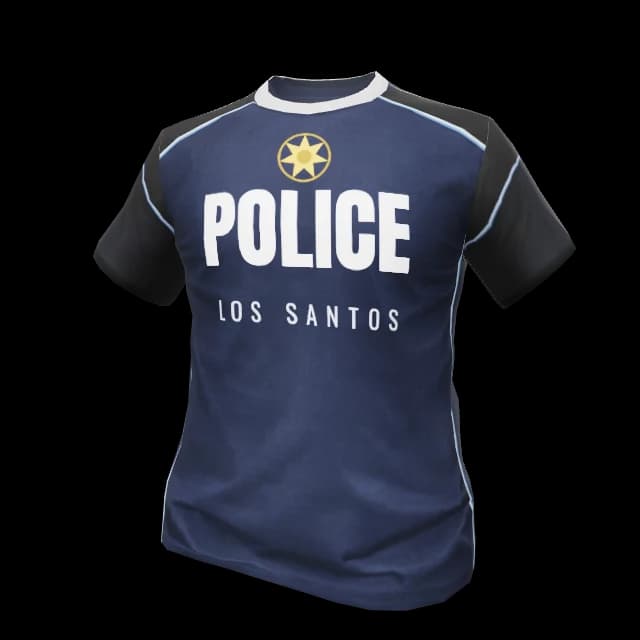 Police
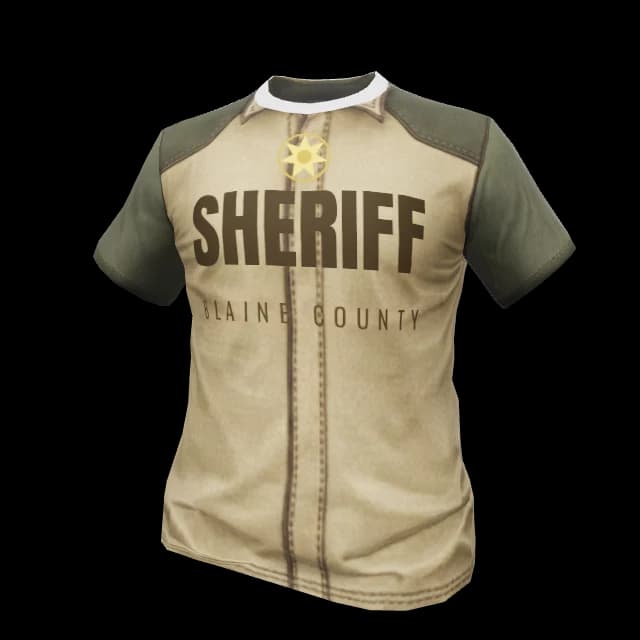 Sheriff
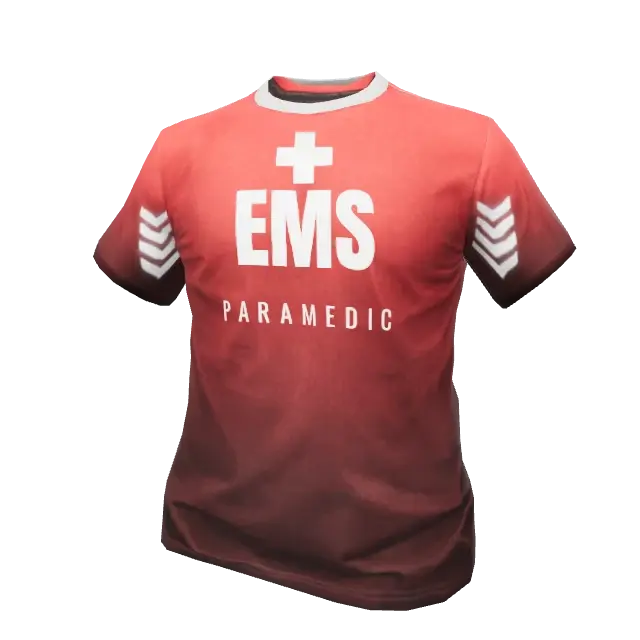 EMS
EMS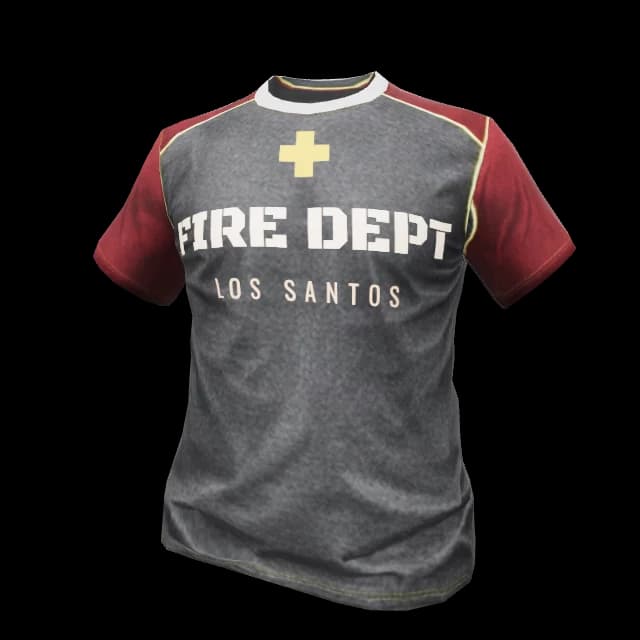 Fire
FireThe designer above runs live in your browser. The full studio adds 4,800+ garments and accessories, badge overlays and a complete pack export.
Everything you ship with SwisserAI
17 tools, one account, one credit pool.
Scripts, bots & plugins
Lua for every framework, conversions, Discord bots and Minecraft plugins.
AI Script Generator
Generate framework-aware Lua
Write new Lua or edit existing resources for ESX, QBCore, Qbox, ox_lib and vRP.
Framework Converter
ESX, QBCore, Qbox and ox_core, in any direction
Move a resource between ESX, QBCore, Qbox and ox_core, checked six ways.
Discord Bot Generator
Generate a Discord bot you own
Describe a bot and get a tested discord.js project, standalone or inside FiveM.
Minecraft Plugin GeneratorNew
Paper and Spigot plugins, tested by bots
Describe a plugin, test players try it on a real server, you get the .jar.
3D, props & animation
Models, weapons and motion, packaged as FiveM resources.
GLB to FiveM Converter
Convert GLB to server-ready YDR
Takes GLB and other formats and adds the YTD, YTYP and YBN collision around the YDR.
AI Animations
Turn any video into a .ycd animation
Upload a short clip or pose one by hand and get a drop-in .ycd resource.
Prop Animation Studio
Animate doors, gates and machines
Mark the moving parts, set a hinge or pick a preset and export .ydr, .ycd and .ytyp.
Prop Reskin
Retexture props in the browser
Swap textures on a GTA prop, build variant packs or restyle it with AI.
Weapon Creator
Weapon skins and add-on weapons
Skin packs for vanilla weapons, or add-on weapons with attachments.
Resource Merger
Combine asset packs into one resource
Catches file name collisions and writes the fxmanifest with every ytyp line.
Clothing & characters
EUP uniforms, clothing packs, tattoos, patches and add-on peds.
EUP Maker
Design EUP clothing packs
Paint real GTA V garments on a live 3D ped and export a streamed .ydd/.ytd pack.
EUP Merger
Merge EUP packs into one resource
Upload several packs and get one streamed resource with DLC name collisions resolved.
Tattoo & Patch Studio
Design FiveM tattoos and MC patches
Turn a PNG into a tattoo or MC patch with configs for the common appearance scripts.
Ped CreatorNew
Turn a 3D model or picture into a ped
Upload a 3D character or a picture and get a rigged add-on ped with a spawn command.
Vehicles, maps & images
Handling, interiors and the art around your server.
Handling Editor
Tune handling.meta, see the top speed
Pick a car or upload handling.meta and watch 0-100, top speed and lap time move live.
Interior Builder
Design walk-in FiveM interiors
Snap real GTA V props into rooms, walk them in first person and export a shell.
Image EditorNew
Change one thing in a picture
Swap text, recolor to an exact hex or cut out a background. Everything else stays.
Explore
Based on 254 reviews
I love the layout
I love the layout, the easy-to-use setup and the clear instructions. The tour definitely helps newcomers. But being able to create my ideas for FiveM is fantastic! Highly recommend! I've tried other AI platforms for FiveM and this has been by far the best I've come across!
The best AI to help you
The best AI to help you create script on FiveM for every framework!! 10/10
excellent was able to make a moose plushie for my server right away!
great AI assistant
amazing with coding scripts correctly, merging clothing files together
its been great I personally love using this for fivem its so helpful and I would recommend it to anyone whos new to scripting and needs help
Very easy to use program
Very easy to use program, is has what i need and does it well
How It Works
From idea to a resource on your server in three steps.
- 01
Pick a tool
Scripts, 3D models, animations, clothing, vehicles or interiors. Everything runs in the browser, and many tools work without an account.
- 02
Describe, upload or design
Tell the AI what to build, drop in a model or a video clip, or paint on a garment and watch it on a live 3D preview.
- 03
Ship to your server
Download a drop-in FiveM resource with its fxmanifest already written. Drop the folder into resources and ensure it.
Ready to ship better FiveM scripts and assets faster?
Start Building Free