
FiveM Image Editor
Upload a logo, a clothing texture or a screenshot, write what should change, and get the same picture back with only that part changed.
Swap the text in a server logo in the same font, recolor a hoodie to an exact hex, cut an item out on a real transparent background, or put your logo on a shirt.
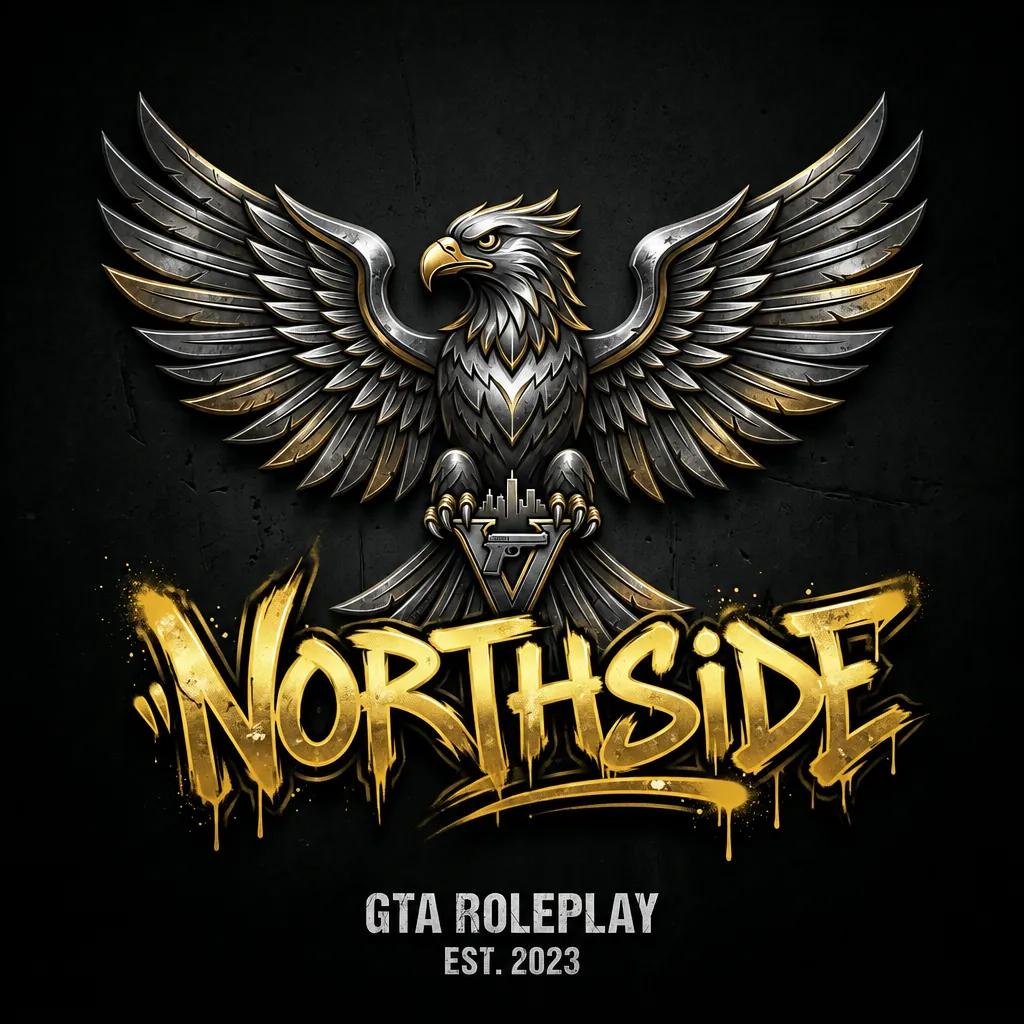
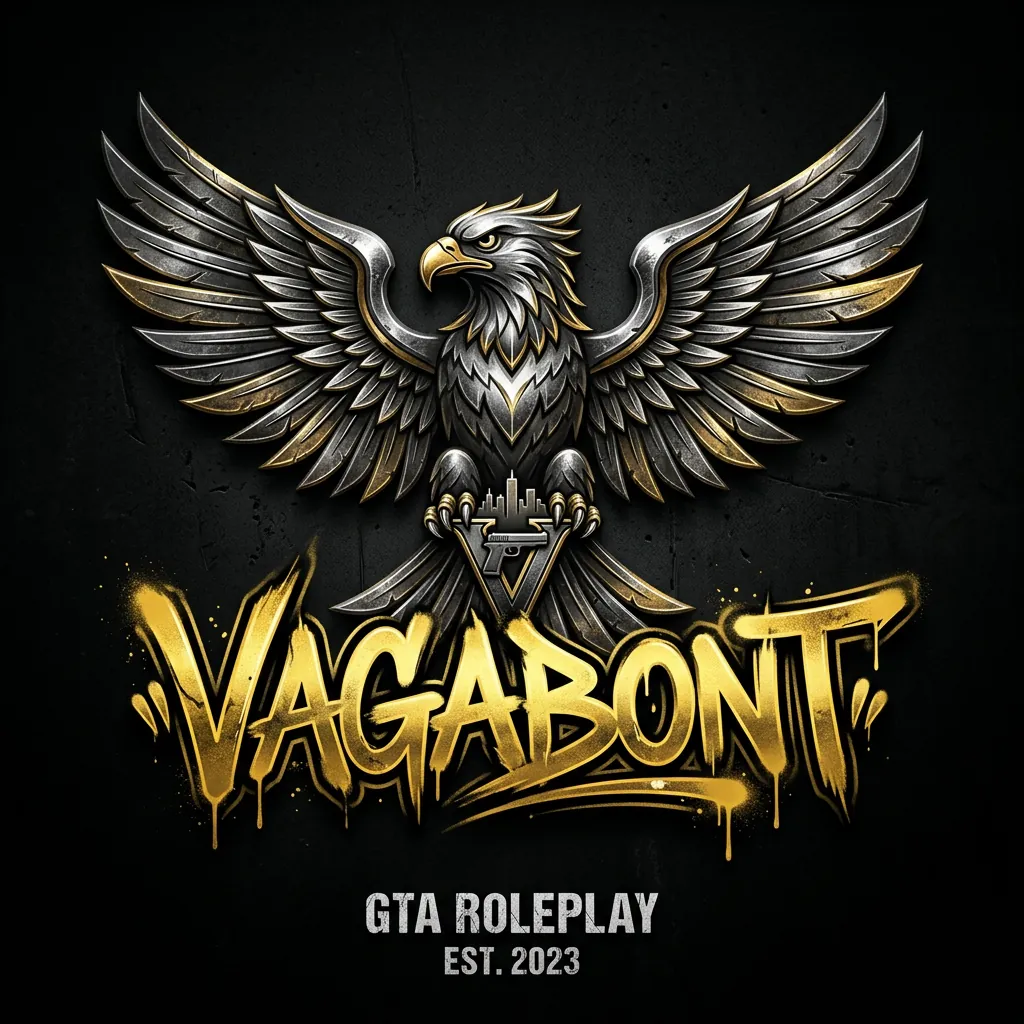
Change the word VAGABONT to NORTHSIDE in the same gold graffiti style. Keep the eagle, the text 'GTA ROLEPLAY EST. 2023' and everything else unchanged.
Drag the handle. Real results of the 100-credit Edit, not retouched.
What server owners edit
Most requests are small changes to a picture that is almost right. That is what the editor is for.
Server logos and names
Rename the server in an existing logo, change the year, move a slogan. Same font, same effects.
Clothing and EUP textures
Recolor a hoodie or uniform to an exact hex, swap the chest print, add a department name.
Icons and decals
Cut an item out of a screenshot onto real transparency for ox_inventory, qb or ESX icons.
Banners and loading screens
Change the headline of a Discord or Tebex banner, turn day into night, keep the car and the layout.
Three steps, no Photoshop
No layers, no masks, no selection tool.
Upload the picture
A logo, a texture, a banner or a screenshot. Or open any image you made on SwisserAI and press "Edit this image".
Say what should change
One sentence is enough. Name the thing, the new value and what must stay. Quick starts fill in the common edits for you.
Compare and keep going
The result opens next to the original with a slider. Download it, edit it again, cut out the background or turn it into a 3D prop.
Two qualities, one price each
No subscription needed. Failed or declined edits are not charged.
Edit
100 creditsColors, text, objects and backgrounds. The right pick for logos, textures and icons.
Edit HQ
300 creditsFiner detail in faces, fabric and reflections. For photos, banners and anything printed.
- Up to three reference images per edit
- Real transparent PNG or WebP on request
- Keeps the shape of your picture, about 1.5 megapixels
- PNG, WebP or JPEG download
FiveM Image Editor FAQ
The generator starts from a text prompt and invents a new picture. The editor starts from your picture and changes only what you describe: a color, a word, the background, an added logo. Layout, style and everything you did not mention stay as they are.
Layout, colors, text and objects you did not mention stay in place. The picture is redrawn as a whole, so very fine texture such as fabric grain or noise can shift slightly. For pixel-exact work on one area, crop that area, edit it and paste it back.
Yes. Name the old and the new text and say which style to keep, for example "Change VAGABONT to NORTHSIDE in the same gold graffiti style". Short names and slogans work best. Check spelling in the result before you use it; you can run the edit again on the result.
Yes. Tick "Transparent background" and you get a PNG (or WebP) with a real alpha channel, not a painted checkerboard. That is what inventory icons, decals, overlays and tattoo art need.
Add up to three reference images next to the picture you edit, then say what to do with them: "Put the logo from the reference image on the chest". The same works for an outfit to wear or a style to match.
Edit is 100 credits, which is $0.10 on the Pro plan, and takes about 20 seconds. Edit HQ is 300 credits ($0.30) for finer detail and takes about 50 seconds. A free account starts with 250 credits. If an edit fails or the safety filter declines it, no credits are charged.
PNG, JPG, WebP, AVIF and most other image formats, up to 20 MB each. The result keeps the shape of your picture by default (you can pick square, 16:9, 9:16 or 4:3 instead) at about 1.5 megapixels, for example 1254 x 1254 for a square.
Yes. Every result has "Edit this image", so you can change one thing at a time and build on the last version without downloading and uploading again. From the same page you can remove the background or turn the picture into a 3D prop.
Yes. Every result carries C2PA content credentials that say it was edited with AI, as the EU AI Act asks. The mark sits in the file metadata and does not change how the picture looks.
Take the picture further
FiveM Inventory Icons
A free library of transparent item icons for ox_inventory, qb and ESX, plus a generator for new ones.
Browse iconsFiveM Tattoo Maker
Put a transparent design on both freemode peds and download a tattoo or MC patch resource.
Make a tattooFiveM Prop Retexture
Put your edited texture on a GTA prop and download a streamable resource.
Retexture a propFix the picture you already have
Upload it, describe the change, compare the result with the original. A free account starts with 250 credits, enough for two edits.