
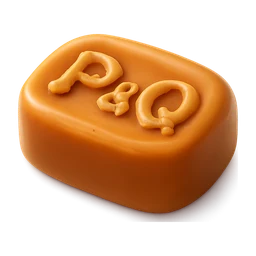
Caramelo: P'S & Q'S inventory icon
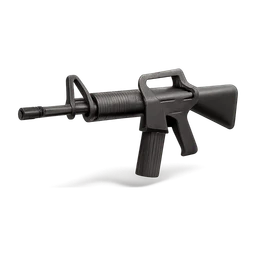
A free, transparent, game-ready Caramelo: P's & Q's icon for FiveM inventories. Centered on a square canvas with an even margin, background removed, ready for ox_inventory, qb, ESX and qs.
caramelo_p_s_q_s.pngsuggested file nameDownload
PNG for maximum compatibility, WebP 100x100 for the smallest game-native file. Both keep transparency.
Add Caramelo: P's & Q's to ox_inventory, QBCore or ESX
Add to ox_inventory/data/items.lua
['caramelo_p_s_q_s'] = {
    label = 'Caramelo: P\'S & Q\'S',
    weight = 100,
    stack = true,
    close = true,
},
Image goes in ox_inventory/web/images. Set the weight to what fits your server.
Add to qb-core/shared/items.lua
caramelo_p_s_q_s = { name = 'caramelo_p_s_q_s', label = 'Caramelo: P\'S & Q\'S', weight = 100, type = 'item', image = 'caramelo_p_s_q_s.png', unique = false, useable = true, shouldClose = true, description = '' },Image goes in qb-inventory/html/images. Set the weight to what fits your server.
Add to items table in your database
INSERT INTO `items` (`name`, `label`, `weight`, `rare`, `can_remove`) VALUES
('caramelo_p_s_q_s', 'Caramelo: P''S & Q''S', 1, 0, 1);
Image goes in your inventory images folder (ox_inventory/web/images on ESX Legacy). Set the weight to what fits your server.
Save the image as caramelo_p_s_q_s.png so the file name matches the item name, then restart the inventory.
More inventory icons
Other ready-to-use item icons from the library.







Not the Caramelo: P's & Q's you need? Generate your own.
A free account starts with 250 credits. That covers 10 icons, no card needed.