
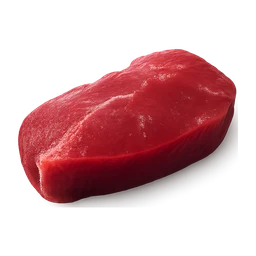
Deer Meat inventory icon
A free, transparent, game-ready deer meat icon for FiveM inventories. Centered on a square canvas with an even margin, background removed, ready for ox_inventory, qb, ESX and qs.
deer_meat.pngsuggested file nameDownload
PNG for maximum compatibility, WebP 100x100 for the smallest game-native file. Both keep transparency.
Add deer meat to ox_inventory, QBCore or ESX
Add to ox_inventory/data/items.lua
['deer_meat'] = {
    label = 'Deer Meat',
    weight = 100,
    stack = true,
    close = true,
},
Image goes in ox_inventory/web/images. Set the weight to what fits your server.
Add to qb-core/shared/items.lua
deer_meat = { name = 'deer_meat', label = 'Deer Meat', weight = 100, type = 'item', image = 'deer_meat.png', unique = false, useable = true, shouldClose = true, description = '' },Image goes in qb-inventory/html/images. Set the weight to what fits your server.
Add to items table in your database
INSERT INTO `items` (`name`, `label`, `weight`, `rare`, `can_remove`) VALUES
('deer_meat', 'Deer Meat', 1, 0, 1);
Image goes in your inventory images folder (ox_inventory/web/images on ESX Legacy). Set the weight to what fits your server.
Save the image as deer_meat.png so the file name matches the item name, then restart the inventory.
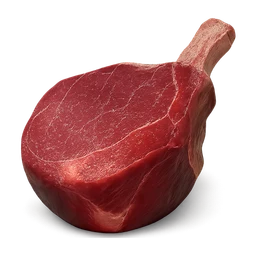
More deer meat icons
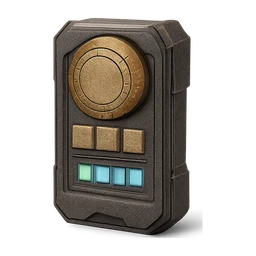
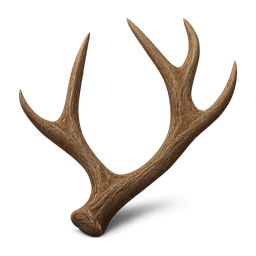
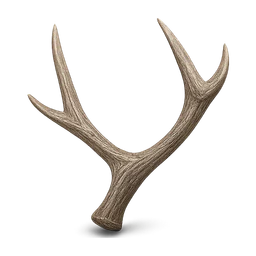
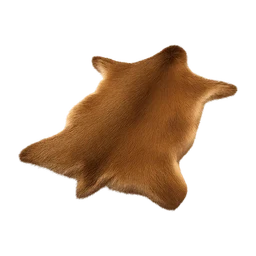
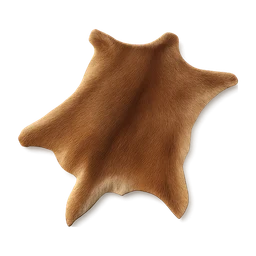
Other takes on deer meat from the community. Pick the one that fits your inventory.
More inventory icons
Other ready-to-use item icons from the library.


Not the deer meat you need? Generate your own.
A free account starts with 250 credits. That covers 10 icons, no card needed.